The CamRanger 2 iOS app has an optional button on the top menu bar that can be set as quick access to toggle one of a number of other settings on and off. So instead of needing to frequently access a particular option within the settings, you can change it right from the main screen. You can also turn it off, if you don’t want it cluttering the main screen
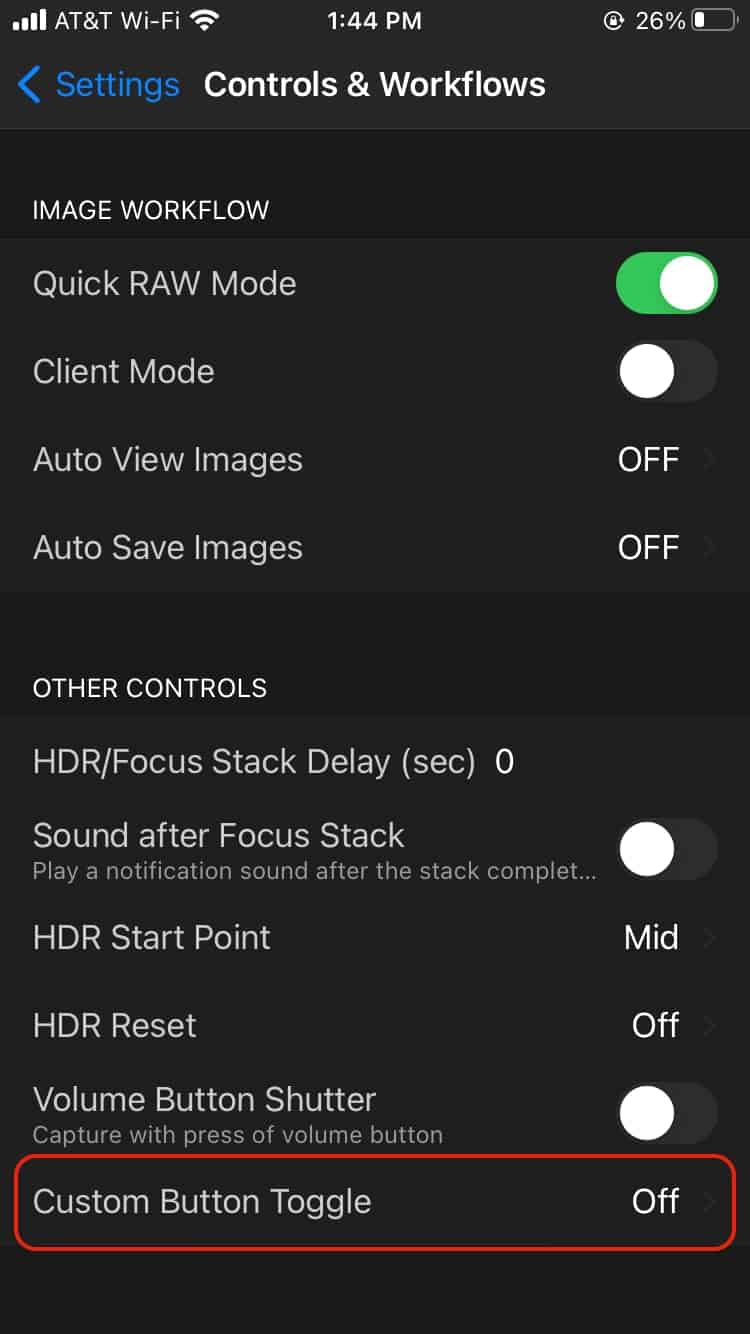
The custom button control is accessed in the CamRanger 2 app within the Controls & Workflows section in the app settings.
Custom Button Toggle in the Controls & Workflows Setting
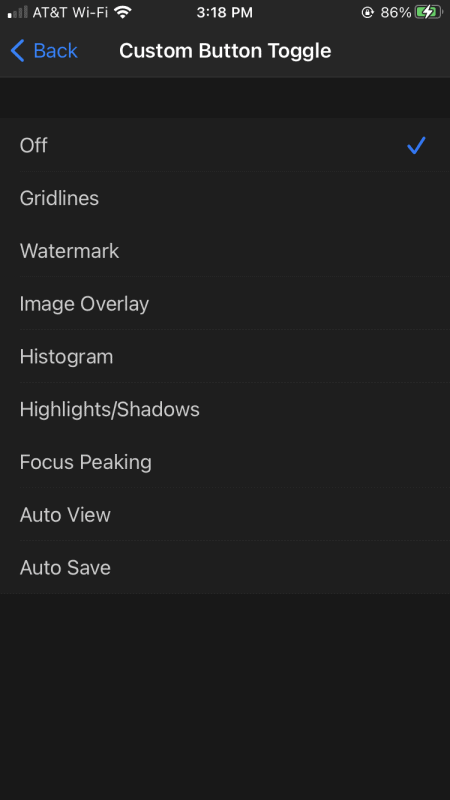
The custom toggle button can control the following settings. The button can only be set to control a single setting at one time.
Gridlines
Watermark
Image Overlay
Histogram
Highlights/Shadows
Focus Peaking
Auto View
AutoSave
Table of Contents
We use cookies to ensure that we give you the best experience on our website. Please only continue using our site if you are happy with that.