



 Winner of a prestigious Red Dot Design Award.
587 reviews for CamRanger 2
| 5 star | 84 | 84% |
| 4 star | 12 | 12% |
| 3 star | 2 | 2% |
| 2 star | 0 | 0% |
| 1 star | 0 | 0% |
Customer Images
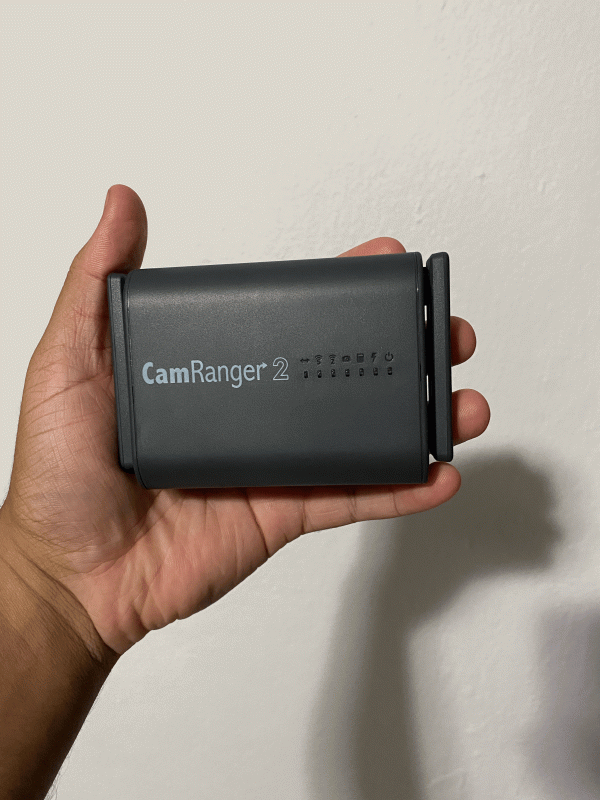
Maryna Lebedieva
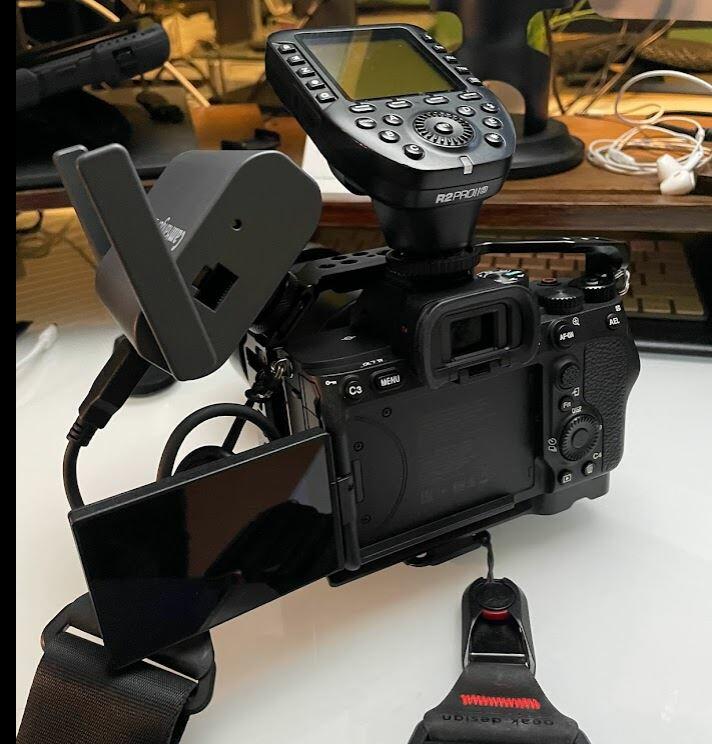
First of all, I would like to express my gratitude to the CamRanger team for their outstanding product and service. Dave quickly and clearly addressed all the issues I had. Considering potential developments to improve the product and optimize the shooting process, I would like to suggest considering a collaboration with Capture One. (Capture One program is like AdobeLightroom, but has more options. It also has Live view and remote shooting, but only with the cable.) As a product photographer, tools such as overlays, various grids and guide lines are important to me. And I usually use them in live view mode in the Capture One app. Capture One has Live View and remote shooting features, but these are limited to cable connections. Therefore, if CamRanger could establish a partnership with Capture One, it would create a perfect synergy. This integration would offer a comprehensive solution that combines CamRanger's wireless capabilities with Capture One's extensive features, thereby making the photography process even more efficient and effective. Wish you all the best 🤍
Rhonda Russell
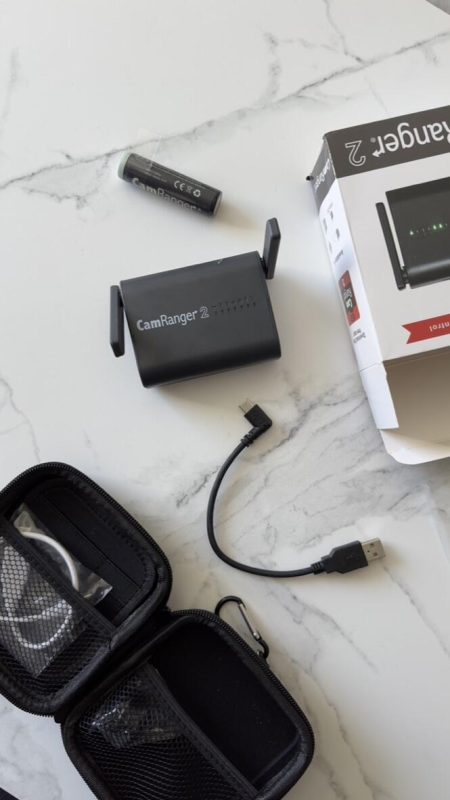
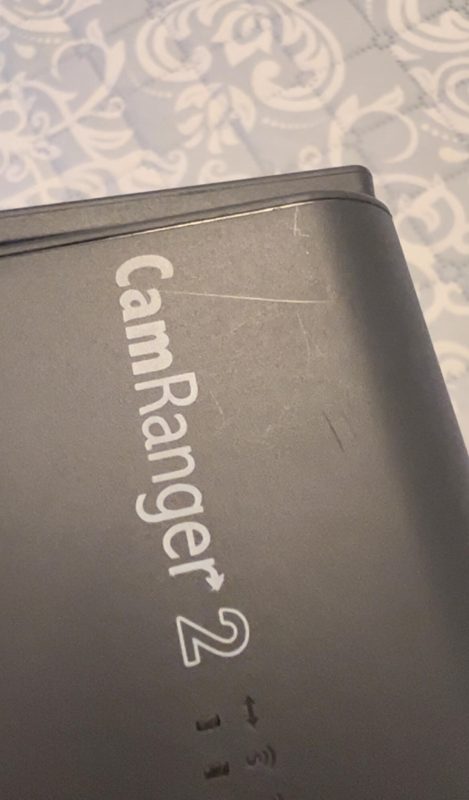
I received the package and when I opened it I noticed that it had 3 scratches, one measuring 3 centimeters. I am really disappointed because it is an expensive product and I did not expect that quality in the Camranger.
Randy M
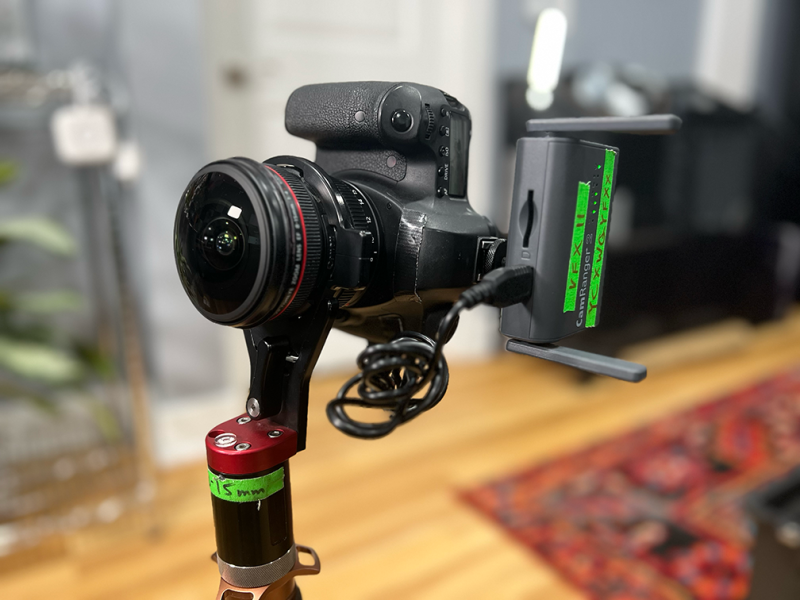
Yo! I’m a visual effects supervisor using Canon DSLRs and mirrorless R-series cameras to shoot multi-bracketed high dynamic range panoramas, or HDRIs for short. Additionally, I need to capture these datasets, typically thirteen to seventeen exposures 120 degrees apart for a total of 39-51 CR2 files which then get stitched and merged into a single 32bit EXR. We use these as image based lighting rigs in digital 3D scenes. So the technical nature and speed in which I need to acquire these datasets is paramount. Ninety nine times out of one hundred I’m working on a television commercial and need to photograph these images before the production can move on. So speed is everything. If I don’t move fast enough, I don’t get the data I need. The Camranger 2 helps me achieve that speed and reliability. Plus, I can double check and QC my images on my iPad Pro whilst capturing, and have 100% confidence that the 45-60 seconds I slow down the entire production is worth it. The only reason I didn’t give the Camranger 2 a 5 Star Review is that I wish it didn’t have custom batteries. If it had batteries that were off the shelf it’d get 5 stars for me for sure. Thank you Camranger!!!
Don Schroeder
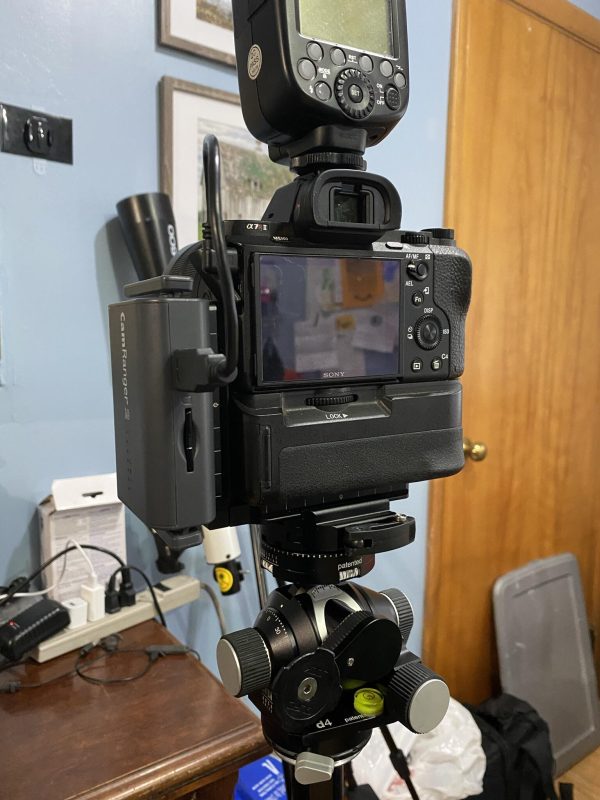
The CamRanger2 is the best piece of equipment I could have bought for what I do. Works flawlessly with my Sony cameras every time and I’ve been using it for going on 4 years (I think?)…. Highly recommended!
Crosby Dove
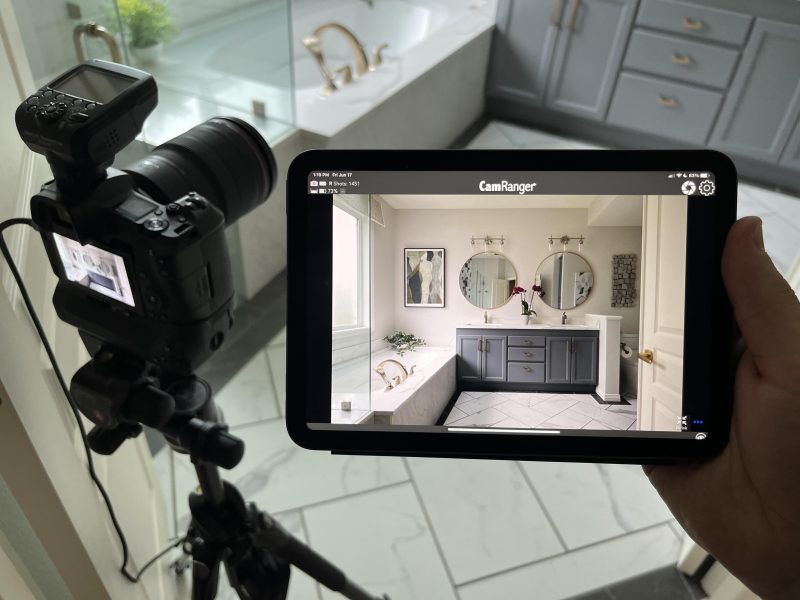
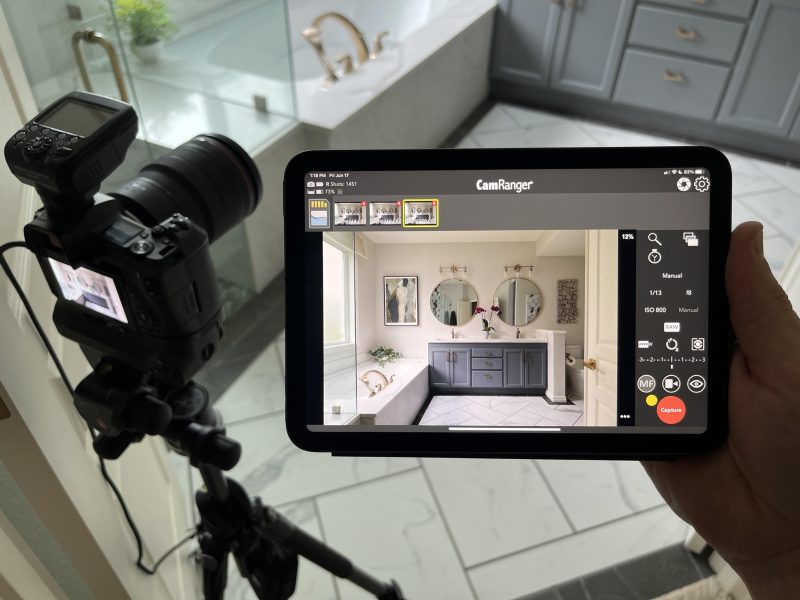
I shoot Canon and have used Canon’s app (Canon Connect) for years. It’s never been intuitive or easy to use. Clunky and a slow interface, but I needed something to control my camera via my iPad mini. As my interior design shoots increased, I noticed I was held back by Canon’s app and I would end up leaving my iPad at home. I decided to try the CamRanger 2 because I had nothing to lose. Right away I noticed the customer service was wonderful and I felt like a valued customer. When I needed help, they were responsive and friendly. The user interface is immensely better on the CamRanger 2 app than anything I’ve used or watched reviews on. The CamRanger 2 does not drain my iPad and Canon’s battery like the Canon Connect app did. Two features I love - you can use a portable battery charger to charge the CamRanger 2 while you’re shooting. Perfect if you’re at an all-day shoot. And you have the ability to use a Mac as a bigger screen with full camera controls. I was pleased about this because my clients now have the option to view photos on my 16” MacBook Pro. You also have the option for a client to view on a device while you use another device to shoot on (ie. iPad, iPhone). I have not used this feature yet, but I plan to do so soon. Overall, I wish I bought this sooner. It’s increased my workflow, clients love how fast photos show up and the ability to zoom in on the iPad without loosing detail. If you like a simple product that just works, I think you’ll be very happy with the CamRanger 2.
Crosby Dove
I shoot Canon and have used Canon’s app (Canon Connect) for years. It’s never been intuitive or easy to use. Clunky and a slow interface, but I needed something to control my camera via my iPad mini. As my interior design shoots increased, I noticed I was held back by Canon’s app and I would end up leaving my iPad at home. I decided to try the CamRanger 2 because I had nothing to lose. Right away I noticed the customer service was wonderful and I felt like a valued customer. When I needed help, they were responsive and friendly. The user interface is immensely better on the CamRanger 2 app than anything I’ve used or watched reviews on. The CamRanger 2 does not drain my iPad and Canon’s battery like the Canon Connect app did. Two features I love - you can use a portable battery charger to charge the CamRanger 2 while you’re shooting. Perfect if you’re at an all-day shoot. And you have the ability to use a Mac as a bigger screen with full camera controls. I was pleased about this because my clients now have the option to view photos on my 16” MacBook Pro. You also have the option for a client to view on a device while you use another device to shoot on (ie. iPad, iPhone). I have not used this feature yet, but I plan to do so soon. Overall, I wish I bought this sooner. It’s increased my workflow, clients love how fast photos show up and the ability to zoom in on the iPad without loosing detail. If you like a simple product that just works, I think you’ll be very happy with the CamRanger 2.
Dan Creagan
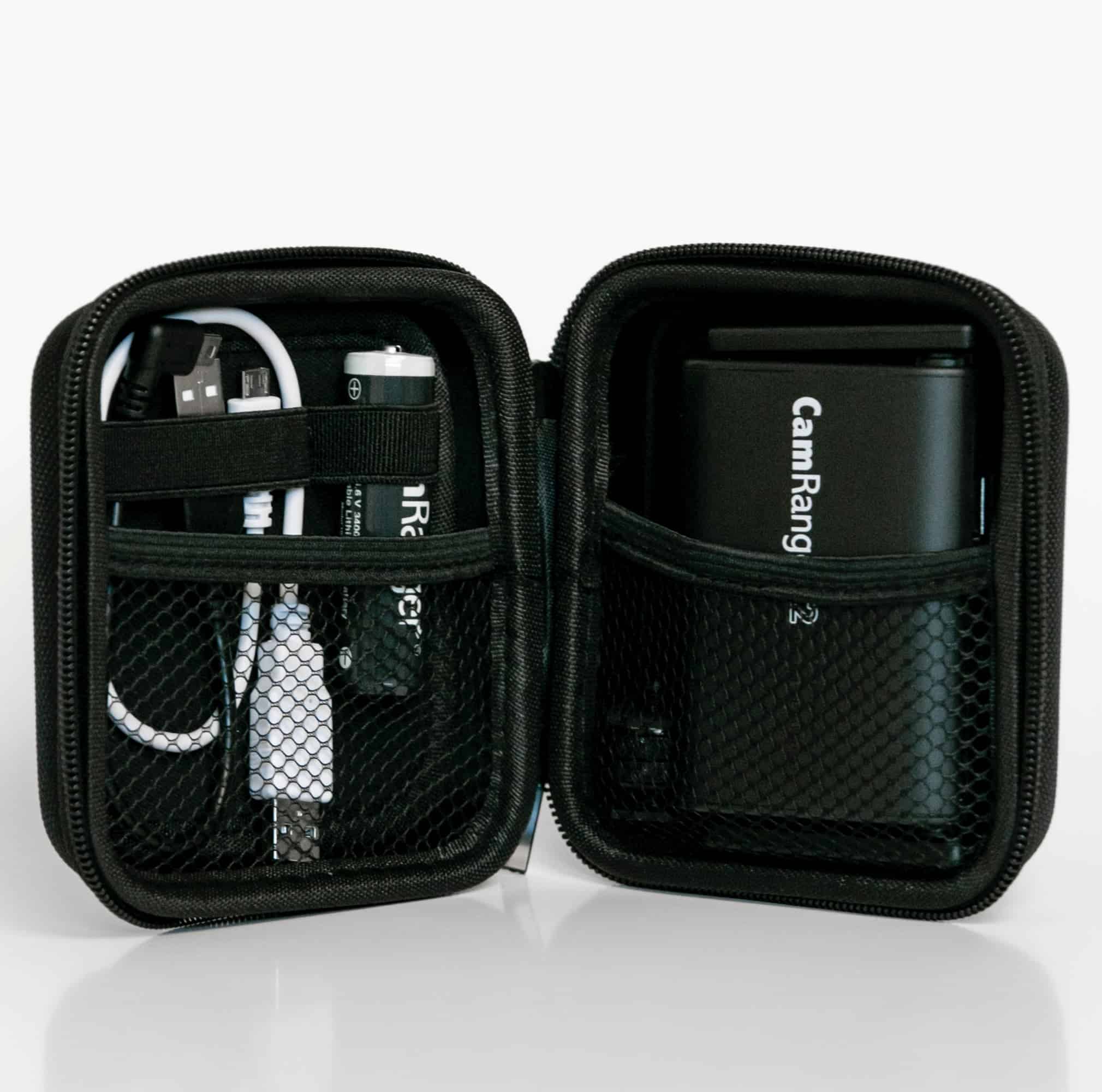
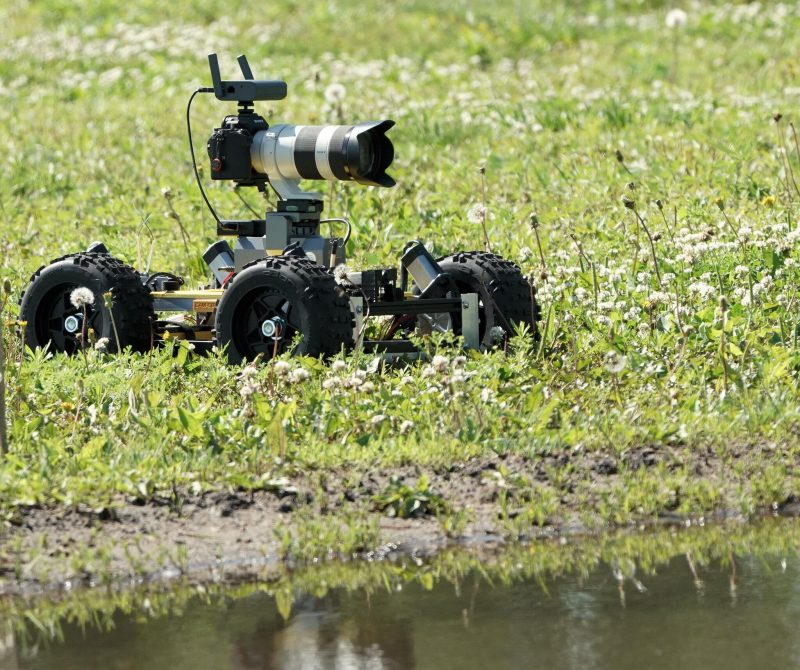
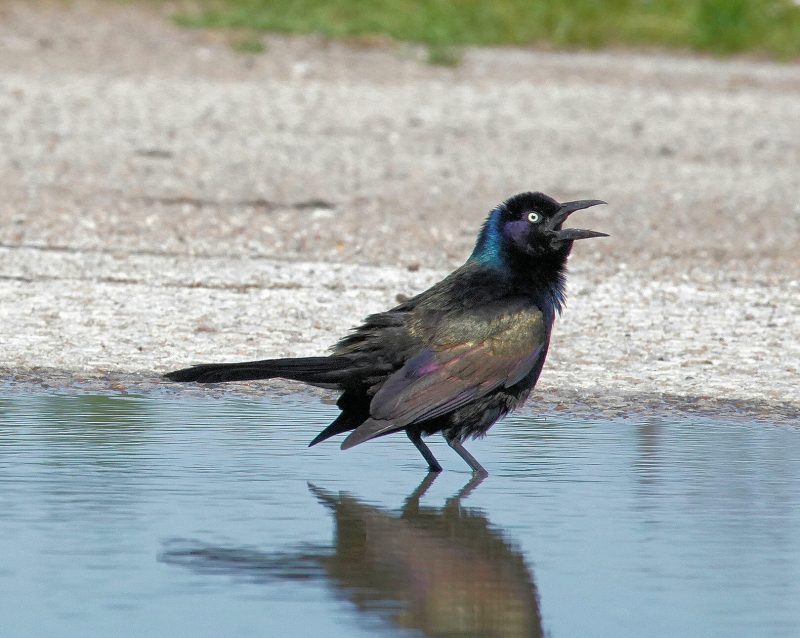
I am using the CamRanger 2 on a robot base to get close up pictures of wild life. I also installed the PT Hub and MP-360. The robot doesn't seem to bother birds or other wildlife so I am getting great shots. The usable distance is more than adequate and the interface works on iPad, Android and even PC. It is quite intuitive. The only problem I had was I stuffed the batteries in the hub wrong and it took me an embarrasing couple of hours to figure it out. I have emailed support a couple of times and they responded back quite quickly. One time was due to the battery goof and the other was to discuss how long the AA batteries would last in MP-360 for my purpose. So... great product, great support, a great deal. I recommend them highly.
Dan Creagan
I am using the CamRanger 2 on a robot base to get close up pictures of wild life. I also installed the PT Hub and MP-360. The robot doesn't seem to bother birds or other wildlife so I am getting great shots. The usable distance is more than adequate and the interface works on iPad, Android and even PC. It is quite intuitive. The only problem I had was I stuffed the batteries in the hub wrong and it took me an embarrasing couple of hours to figure it out. I have emailed support a couple of times and they responded back quite quickly. One time was due to the battery goof and the other was to discuss how long the AA batteries would last in MP-360 for my purpose. So... great product, great support, a great deal. I recommend them highly.
Joe Baker
I purchased the Camranger 2 and had it connected to my Sony A7III without issue. However, after my A7IV came in, I was unable to get it connected. I had sent an email to support and did not receive an answer. However, my buddy who also has one happened to be a part of your FB community and was told there that a firmware upgrade was needed. I was able to update the firmware and it now works as expected. However, I still have not received a response from support. Overall, I am fairly new to it, there are a couple of quirks that I am still working through, so it could just be user issues; I have noticed that when people star their favorites and you click on the Favorites folder they are not in order of any type which makes it difficult to match up favorites in LR. Also, since I shoot RAW+JPEG, the the ratings are only on the JPEG files which I don't edit with in Lightroom. I think there is a way to rate the RAW files, but that will mean slower transfers to my Ipad. Hopefully, you are working on a better way for that to work together. Overall, I am happy with my purchase so far. Thanks in advance!
Gabriel caro
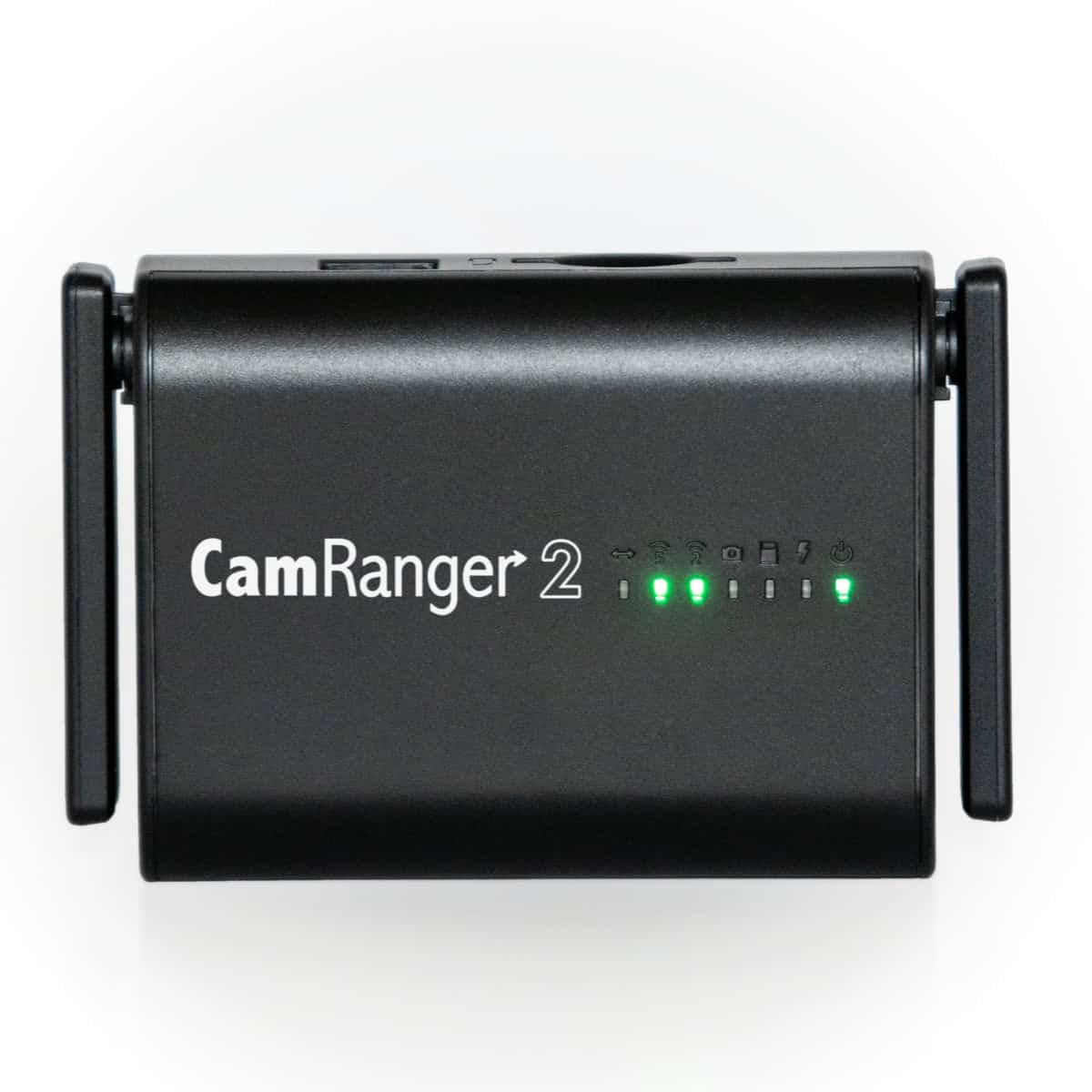
I’m in love. Only think is that I wish it was black like the photo but I got it in grey.
Sorry, no reviews match your current selections
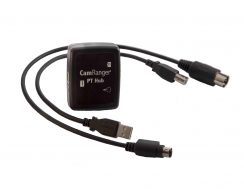
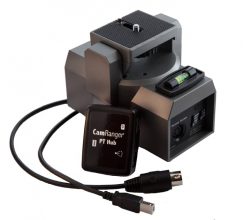
This is my third Camranger in eight years. I use several in my headshot photography business. Super reliable. I couldn’t work without them.
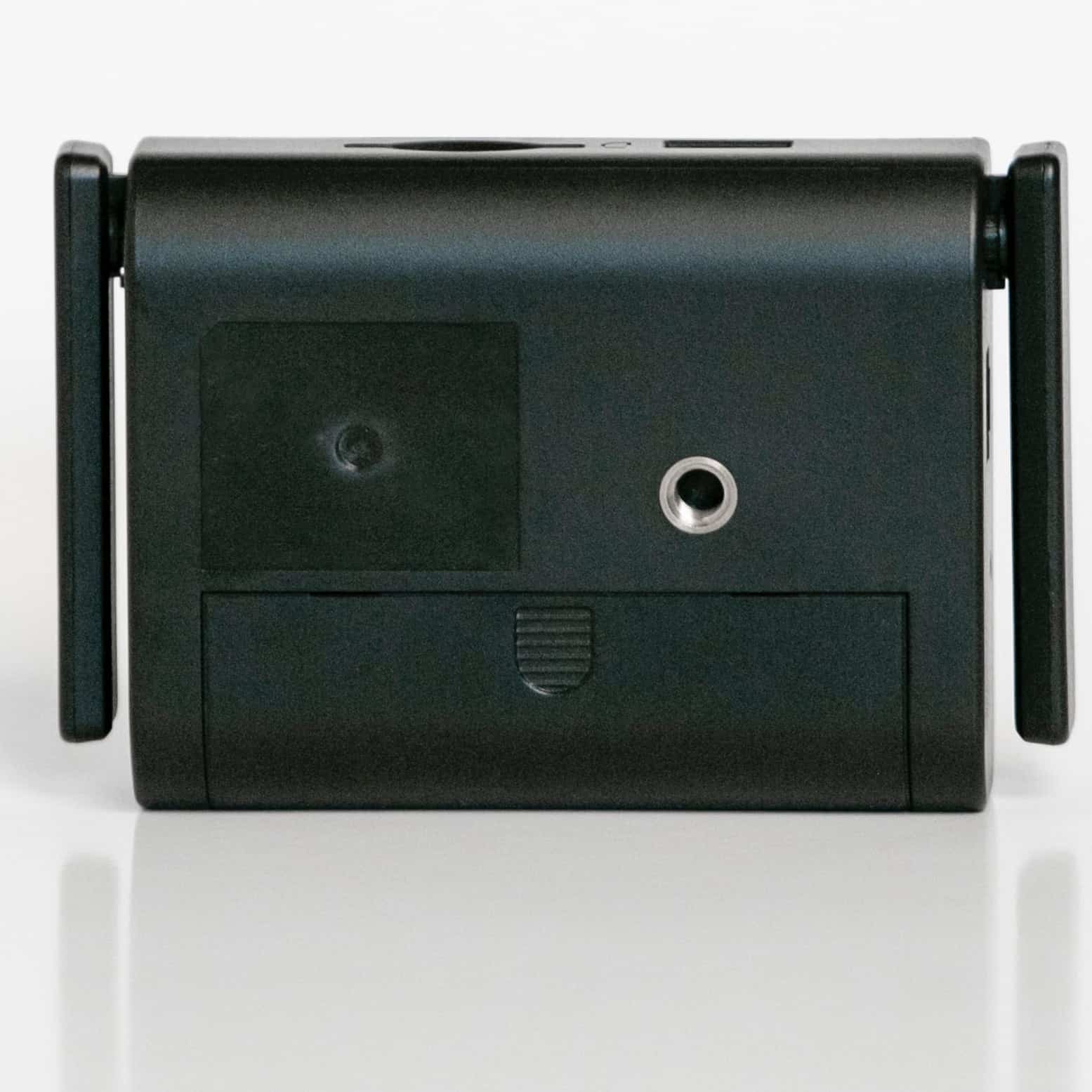
I used the original Cam Ranger so I was a fan. For some reason that one is no longer working.?.but I was drawn to Cam 2 because it’s faster. I have only practiced and have not taken it on a job yet..I have a few suggestions.. Please give a longer connection wire and the battery compartment was so hard to open. I was basically was informed nobody else had that problem. I ended breaking fingernails to try to wedge it open. Also.. all the tutorials left out so much information..they could be a bit more comprehensive and basic! All in all I am so glad I don’t tether anymore and I know Cam 2 will be an important part of my gear,
Hello CamRanger team,
I just wanted to take a moment to thank you for CamRanger 2.
I recently purchased it and have been very impressed with its reliability, ease of use, and overall performance.
It has become a valuable part of my workflow, and I truly appreciate the quality of your product and the work you do.
Thank you for creating such a well-designed tool for photographers.
Best regards,
Dmitrii
Great customer services, and has never let me down! My clients love this facility to review their images as they arrive and it takes all of the strain away from me having to show the back of the camera each time a sequence of shots has been taken